
In today’s connected-home world, upgrading your garage door system to smart technology is not just about convenience—it’s about security, peace of mind, and long-term value for your home. Whether you’re replacing a part or installing a completely new setup, integrating the myQ Smart Garage Control offers a powerful step forward. Below is your complete guide to making that integration — from planning and installation to maximizing features and ensuring it works perfectly for you.
Why Smart Garage Integration Matters 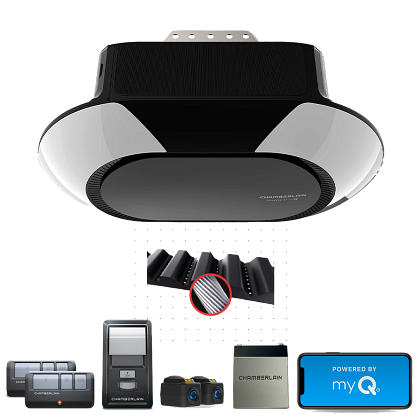
-
A modern smart opener system boosts your home’s value. Upgrading major components (like your garage door) often yields a significant return on investment.
-
Smart garage control lets you monitor and operate your garage from anywhere—ideal for homeowners who travel, have deliveries, or want to ensure kids get home safely.
-
Integration means your garage door can become part of your broader smart-home ecosystem: linked with lights, security, cameras, and voice assistants.
-
For clients of Superior Door, it’s also about future-proofing. When we install or upgrade your system, we aim for reliability, safety, and ease of use.
Step-by-Step: Integrating myQ Smart Garage Control
Check Compatibility & Prep
-
Identify your existing garage door opener brand and model. Some older openers may not be compatible with smart hubs or might only support limited features. For instance, users have noted limitations with certain “yellow learn button” models.
-
Ensure your WiFi signal reaches the garage. Smart hubs require a stable connection for remote control and notifications. Weak signal = unreliable performance.
-
Gather tools: screwdriver, ladder (if required), your smartphone, WiFi credentials, and clear space around the opener for safe working.
Install the myQ Hub or Smart Opener
-
Mount the myQ Smart Garage Control unit near your current opener (or install a full myQ-enabled opener if you’re upgrading). For example, LiftMaster myQ Smart Garage Control Wireless Hub is one popular choice.
-
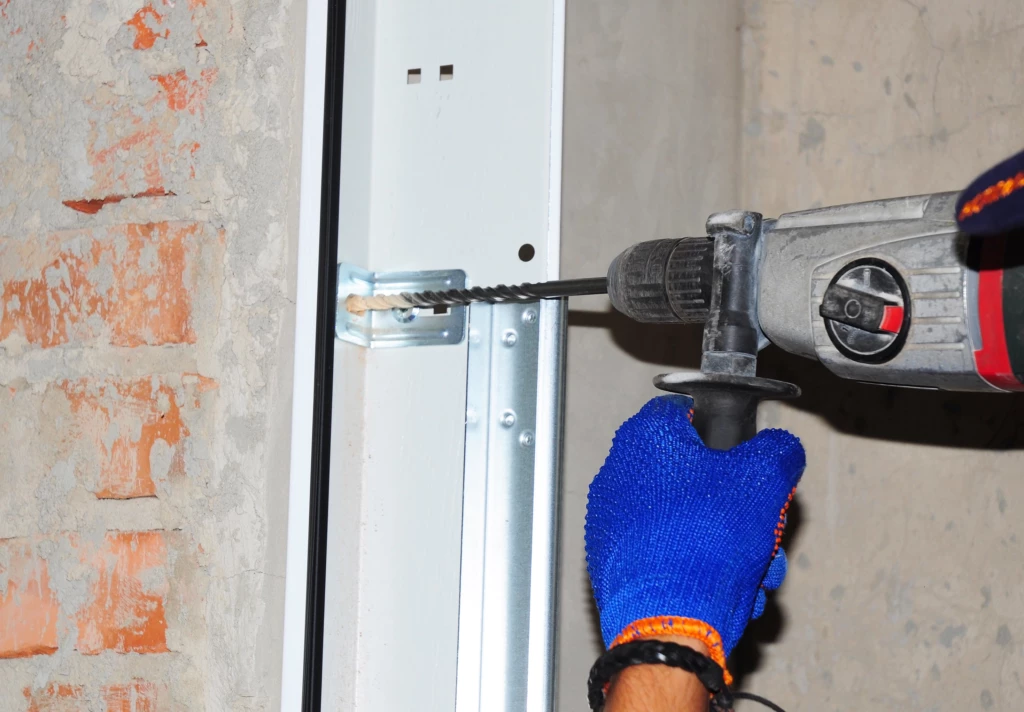
Connect the unit per the instructions: typically, mount the hub, connect to power, link to your WiFi, then pair with the door opener’s wall-button terminals or communication wires.
-
If you’re replacing the opener entirely, follow the replacement instructions, install the motor, rail, safety sensors, and then your smart control system.
Set Up the myQ App & Register Your Door
-
Download the myQ mobile app (iOS/Android).
-
Create an account or sign in.
-
Add your door system: follow the prompts to connect the hub, name your door (e.g., “Main Garage – House”), and check that the app reports open/closed status.
-
Configure WiFi, notifications, and user access (allow household members to have control).
-
Test remote open/close from your phone while you’re both in-network and off-site. Confirm that the system logs the correct status changes.
Link to Smart Home / Automation Systems
-
If you use voice assistants (Amazon Alexa, Google Assistant), integrate the myQ door so you can say “Alexa, is the garage open?” or “Hey Google, close the garage.”
-
Set up automations: e.g., “If garage door opens after 10 pm, turn on lights in garage” or “If door is left open for more than 5 minutes, send alert.”
-
Consider linking to your home-security or video-camera system for added coverage (door status + video feed = powerful).
Optimize for Security & Reliability
-
Ensure the myQ hub is mounted in a safe place (not exposed to weather, high humidity, or extreme heat).
-
Change default names or codes. Give your door a unique name and make sure your WiFi password is strong.
-
Consider adding a battery backup if power outages are common in your area—some smart openers support backup batteries.
-
Regularly test your remote control and safety sensors. A smart system is only useful if it works reliably when you need it.
-
Monitor firmware/app updates for the myQ system and apply them promptly—updates often include security patches and new features.
Value Add for Homeowners & Why It Stands Out
-
Peace of mind: You get a real-time view and control of your garage door—no more wondering if it was left open.
-
Enhanced resale value: Smart home features, especially those that improve security and convenience, are increasingly attractive to buyers.
-
Seamless lifestyle integration: Whether you’re loading kids into the car, receiving packages, or heading out of town, remote garage access saves time and stress.
-
Backing of expert installation: When the installation is handled right—as it would be through Superior Door—you avoid DIY mistakes and ensure full compliance with safety/regulation standards.
Closing Thoughts
Integrating the myQ Smart Garage Control with your garage door is one of the best upgrades you can make for convenience, security, and home value. When done right, it becomes a seamless part of your everyday life—letting you open, monitor, and automate your garage with confidence. And with the team at Superior Door behind you, you’ll get professional installation, expert advice, and support tailored to your home.
Click Here to Learn More About Residential Smart Garage Control
